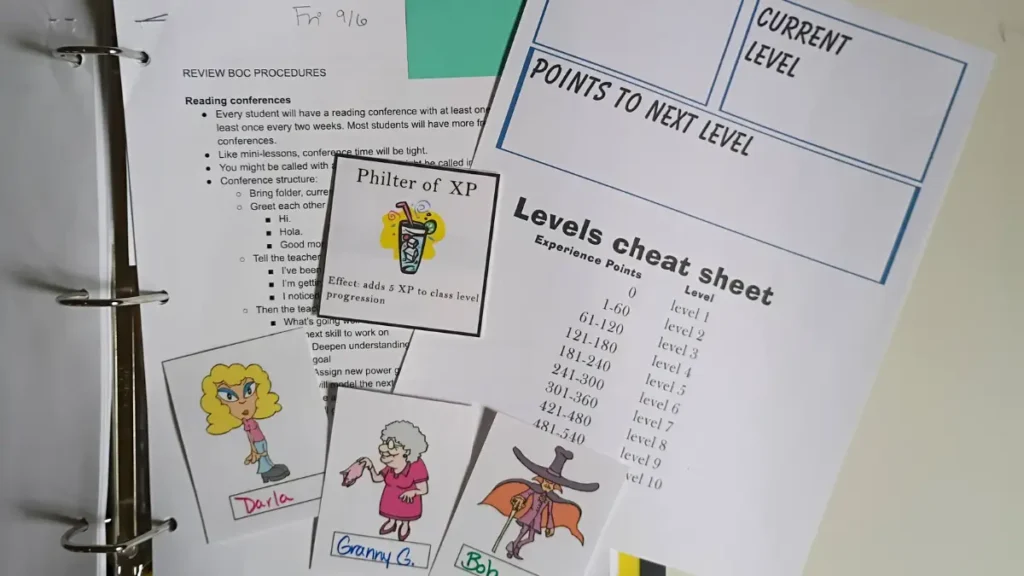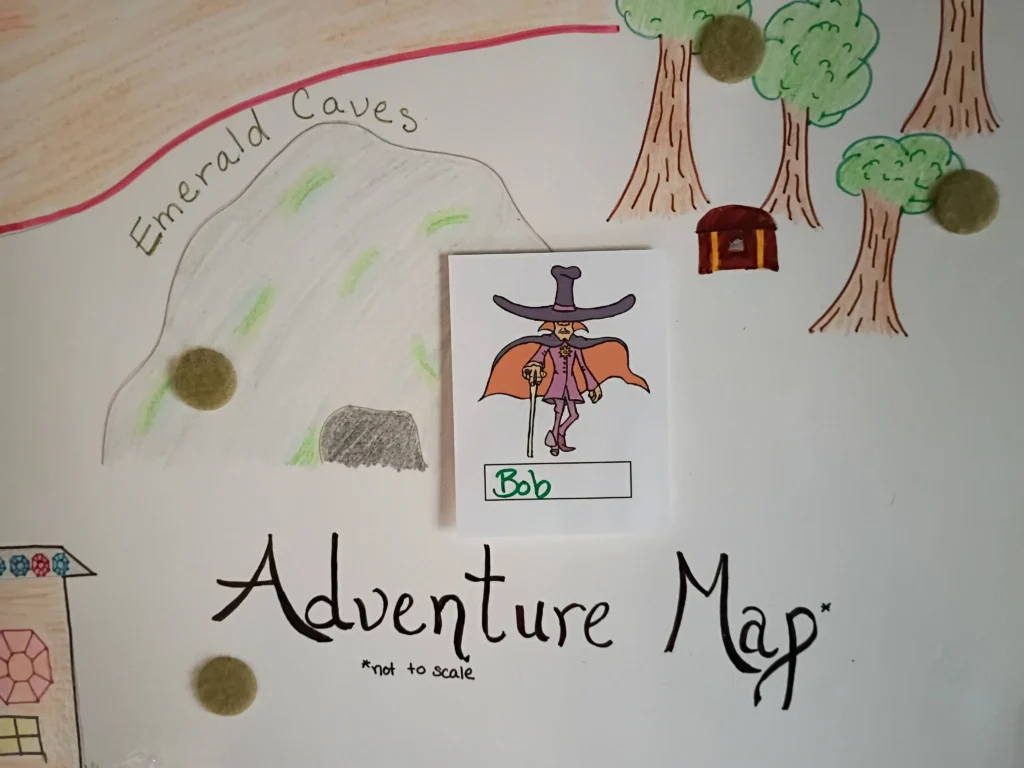
It’s no secret that video games engage students in a way that schoolwork doesn’t. Most students would rather be playing whatever video game is trending at the moment than analyzing character perspective or simplifying fractions.
And while I’m not advocating for turning your classroom entirely into a game, there are elements of gamification you can bring into your classroom.
One of those is a leaderboard – a visible way for students to keep track of their progress and their level.
Leaderboards engage students because they can see how they compare to other students as well as how close they are to the ultimate goal (usually level 10). And because usernames are anonymous, students don’t have to feel self-conscious if they’re falling behind.
And a classroom leaderboard doesn’t take much time, money, or effort to set up. Here’s how I did it, and a couple of tips I learned along the way.
Display Student Progress Visibly
Keeping the leaderboard somewhere visible will help students be more invested. They’ll be able to see their progress regularly…and you’ll have a better chance of remembering to reference the leaderboard.
If you have a small bulletin board in your classroom, use that.
You could also use a piece of poster board, or even a section of the wall.
Here’s the leaderboard I set up for my 8th graders.
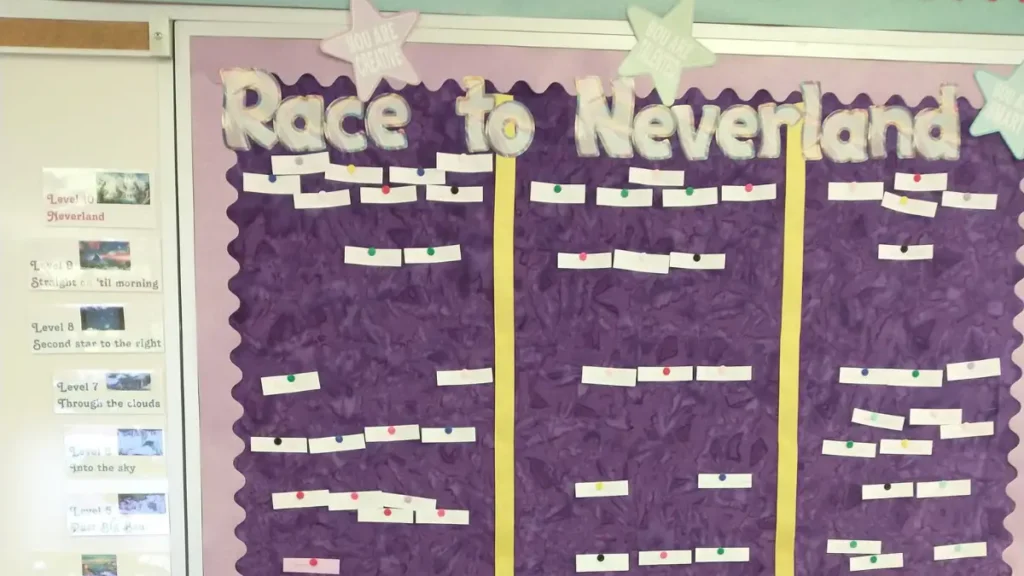
I cut index cards into tiny strips and let students choose their own (school-appropriate) “user name” at the beginning of the year.
They could choose something of their own design (2cool4skool) or be anonymous, in which case I added a random number at the end to keep them distinct (Anonymous4, Anonymous10).
Pro Tip: Print out a class list and record student user names next to their actual name. Sure, you can write their actual name on the back of their index card strip, but then you have to look at every. single. card when you need to move someone to the next level.
Students can see how close they are to level 10 (the ultimate goal), and they get excited when they come in and notice that their position on the leaderboard has changed.
I made a big presentation at the start of each class whenever a student leveled up – especially when they got to level 10!
Track What You’re Already Doing
You don’t need to add anything to your teaching in order to use a leaderboard.
If you’re already giving tests, record the grade percentage as experience points. For example, an 80% on a test earns 80 experience points.
That’s how I did it one year: experience points were based on grammar test scores, but I averaged everyone’s points together to get a class score. (I wanted students working together instead of competing.)
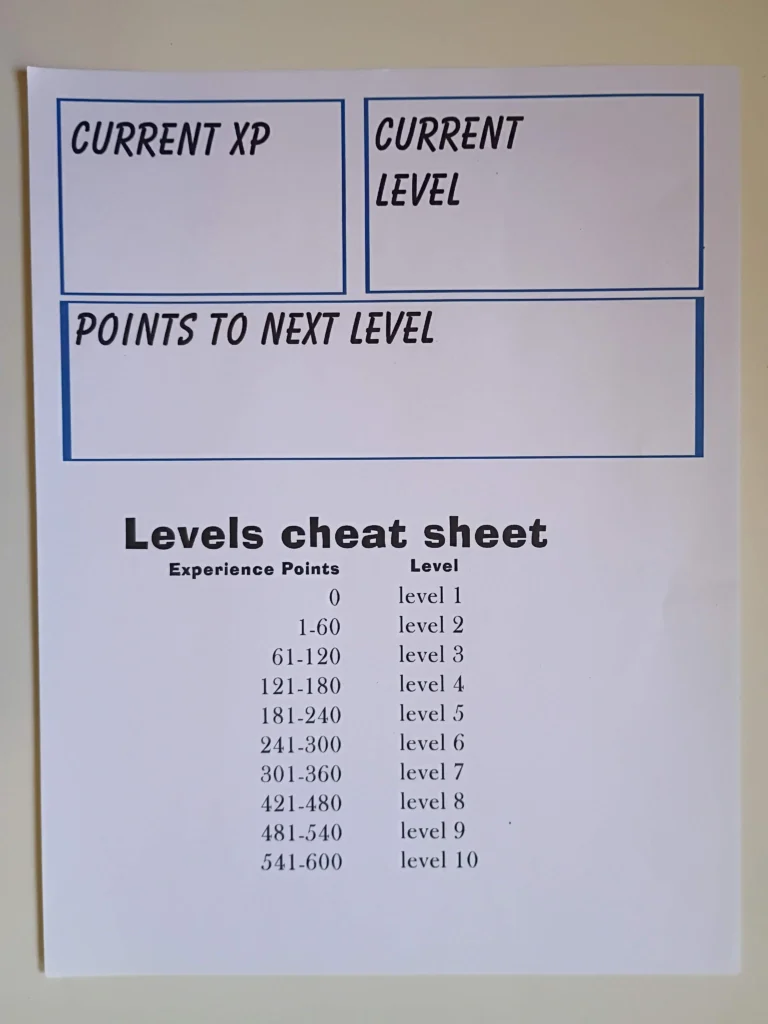
Another year our reading curriculum required small-group conferences that earned points for various participation or skill mastery, so I just made those points into experience points instead!
The year after that, I assigned experience points based on students’ IXL practice scores.
I set percentage ranges that matched experience point numbers:
- IXL practice score of 80 = 1 experience point
- IXL practice score of 81-90 = 2 experience points
- IXL practice score of 91-99 = 3 experience points
- IXL practice score of 100 = 4 experience points
Pro Tip: It will take some time to hone in on a reasonable amount of experience points for students to earn. It’s ok if your first year doesn’t go as planned, with students earning a lot – or very few – points. Adjust next year, or midyear if needed.
Leveling Up Earns Prizes
As students complete the tasks you’ve designated as earning experience points, they should move up the leaderboard.
Each time they reach a new level, there should be some sort of acknowledgement and – ideally – a prize.
Prizes don’t have to be expensive, though.
Here are some that I used:
- 10 minutes of free time
- Water bottle stickers
- Mechanical pencils
- Homework pass
- Automatic 100% on reading logs (I taught ELA)
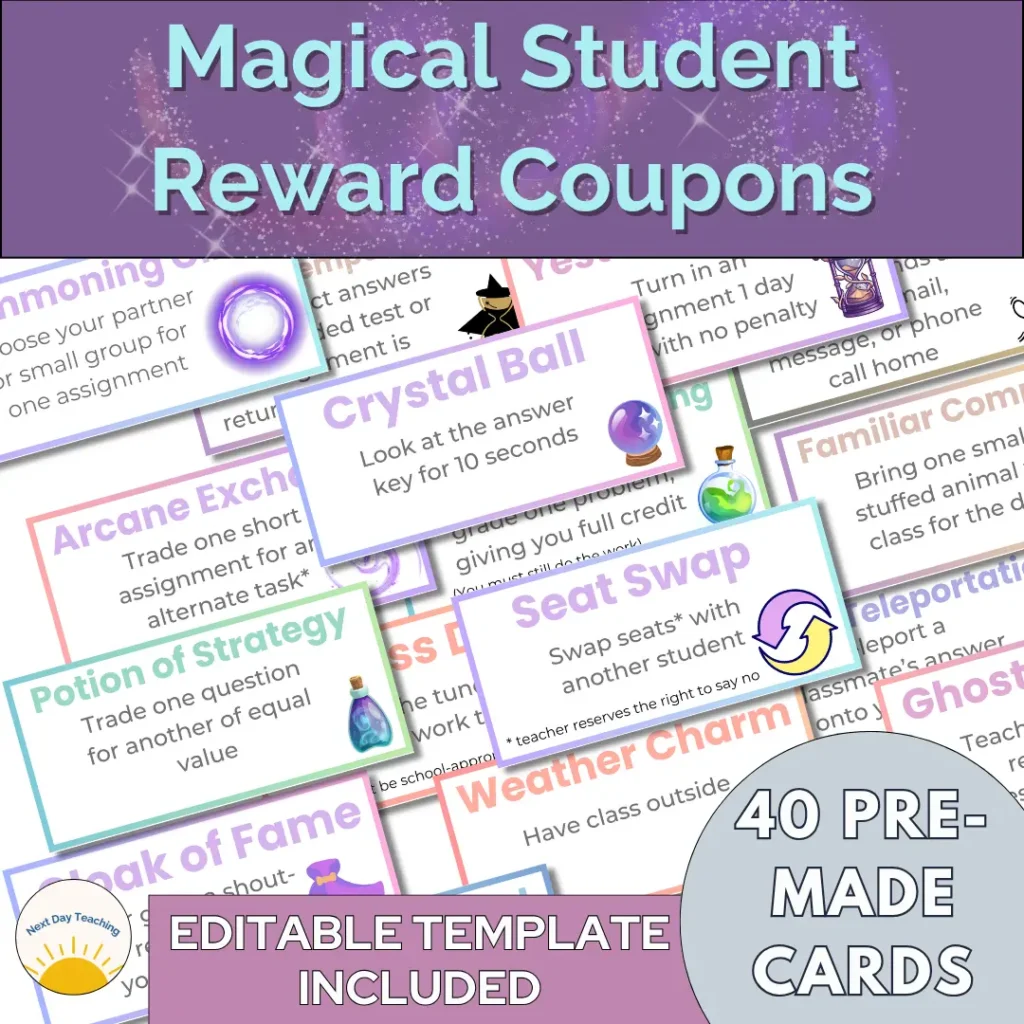
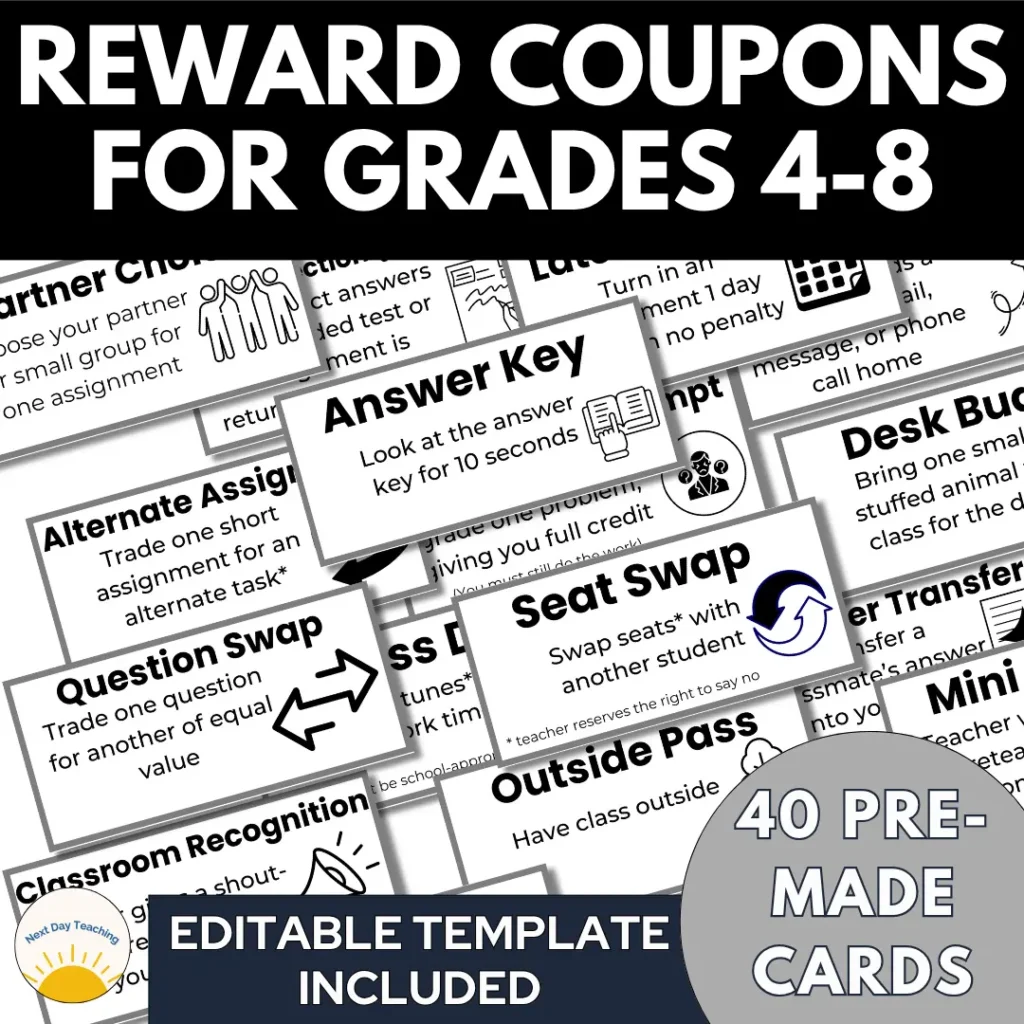
Related: Want some no-prep prize coupons you can give your students? Check out these magical reward coupons (or their companion that’s more functional than magical). 40 rewards each, editable in Canva.
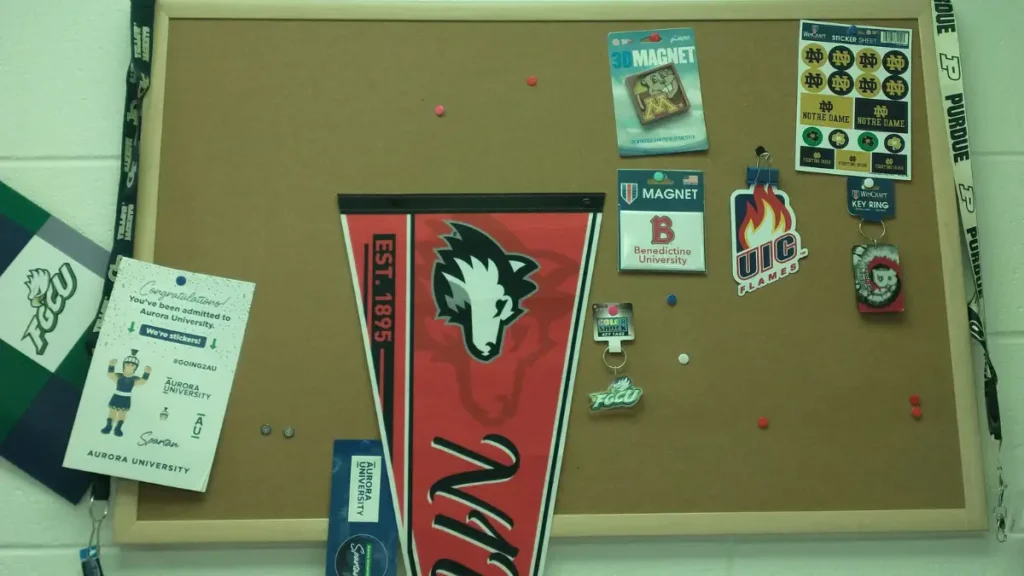
My school also had a really big AVID program, so when students reached level 10, they got to pick out a piece of college swag.
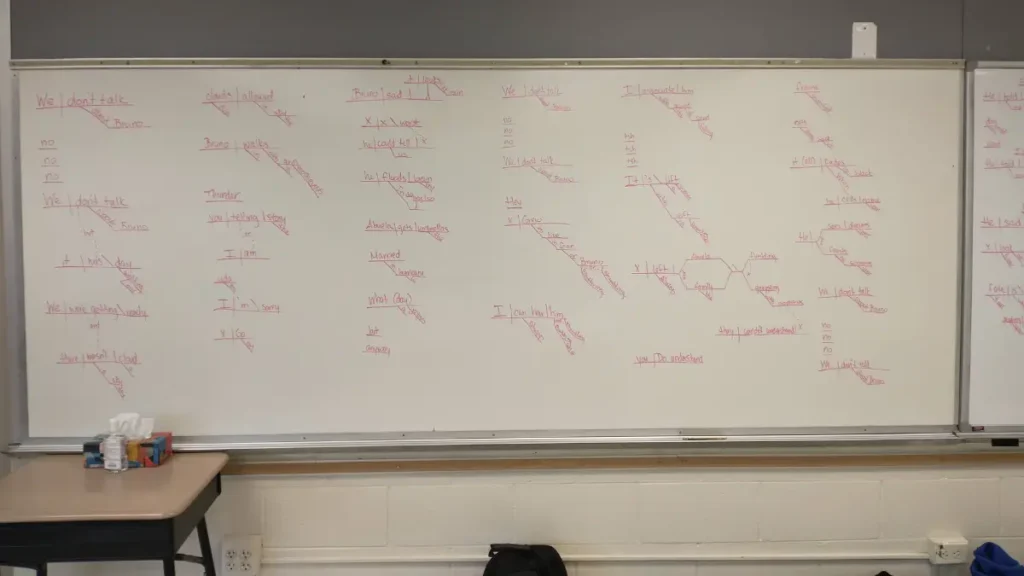
Another school I taught at was really into the movie Encanto, so I told them that if they collectively reached level 10 as a class, I would make sentence diagrams for the song “We Don’t Talk About Bruno.”
The Result of Using Leaderboards
Once I put up the leaderboard, students who weren’t initially engaged or interested in learning the ELA content started paying more attention in class.
Some of them began reading books outside of class. (I awarded additional experience points for finishing a book and telling me a summary.)
In fact, one of my most reluctant readers finished four books cover to cover during the year!
Students would poke their heads in during passing period and ask what level they were, or how many experience points they needed to level up.
Using a classroom leaderboard motivated students to try harder, work longer, and actually pay attention to their work.
Classroom Tips
Honor and Respect Shy Students
Not everyone loves being the center of attention. If you have a student who’s uncomfortable with attention, don’t make a big deal about their level progress…but do still give them the prizes!
Make Early Levels Easy to Reach
Game design psychology gives players an easy win or two at first to get them invested, and this is worth borrowing for our leaderboards. Make the early levels super easy – 1 experience point for level 1, 3 experience points for level 2, etc.
And make those early prizes plentiful…but also valuable for students. My 8th graders loved mechanical pencils and scratch ‘n’ sniff stickers, so those were some of the earlier level prizes I awarded.
Don’t Use Experience Points as Grades
Experience points and grades should be kept separate (unless you’re using test grades as experience points, which I’ve done). Think of experience points more as internal trackers to help students stay motivated and keep track of their progress.
Grades, on the other hand, are more final.
What do you think about using a leaderboard in your classroom? What would you track for experience points? Tell me in the comments!
This post gives you one way to engage students. If you want more practical ideas for making teaching work better, join The Reset Button.
It’s a weekly newsletter filled with classroom strategies, teaching ideas, and honest stories about what actually works in the classroom.
F.A.Q.
One way to engage students is to give them a visible way to track their progress toward a goal. A classroom leaderboard lets students earn experience points, level up, and work toward rewards as they complete regular classroom tasks. You can award points for test scores, reading, skill practice, participation, or other activities you’re already doing in class.
A classroom leaderboard is a visual tracker that shows students’ progress toward a goal, often using levels, points, or other game-inspired features. Teachers can use leaderboards to encourage participation, recognize progress, and help students stay motivated. A leaderboard can track individual progress or a shared class goal, depending on whether you want to emphasize personal achievement or teamwork.
Start by tracking something you’re already doing in your classroom. For example, you could turn test scores into experience points, award points for completing reading conferences, or use existing practice scores to determine how many points students earn. Display the leaderboard somewhere visible, establish simple rules for leveling up, and adjust your point system as needed.
Classroom leaderboard rewards don’t have to cost much money. Try mechanical pencils, stickers, extra free time, homework passes, or other small privileges your students value. You can also offer experiences or class-wide rewards, such as a special activity when everyone reaches a shared goal. The best rewards are ones your students actually want and that you can comfortably manage.
Not every student responds to competition or public recognition in the same way. Some students enjoy seeing their names move up a leaderboard, while others may feel uncomfortable being singled out or comparing their progress with classmates. Consider emphasizing individual growth, using a shared class goal, and celebrating progress privately when appropriate. Anonymous names on the leaderboard can also prevent students from feeling self-conscious. Either way, students can still earn rewards without having to be the center of attention.